
Walk-and-paint Wi-Fi survey
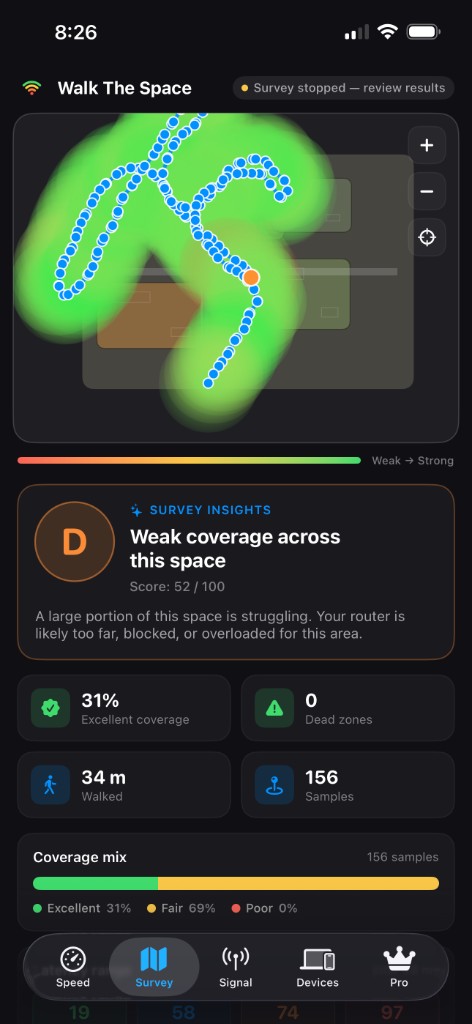
Tap a starting point, walk your home, and watch a live heatmap paint itself onto a floor plan. No extra hardware. No router login. Just your iPhone.
Built for iPhone & iPad · iOS 17+
WiFi Buddy turns your iPhone into a walking Wi-Fi heatmap. Survey any room in minutes, get a clear report on where your signal is weak, and learn exactly what to do about it.
Free Speed, Signal & Devices tabs. WiFi Buddy Pro is $9.99/year or $5.99 every 6 months. Cancel anytime.
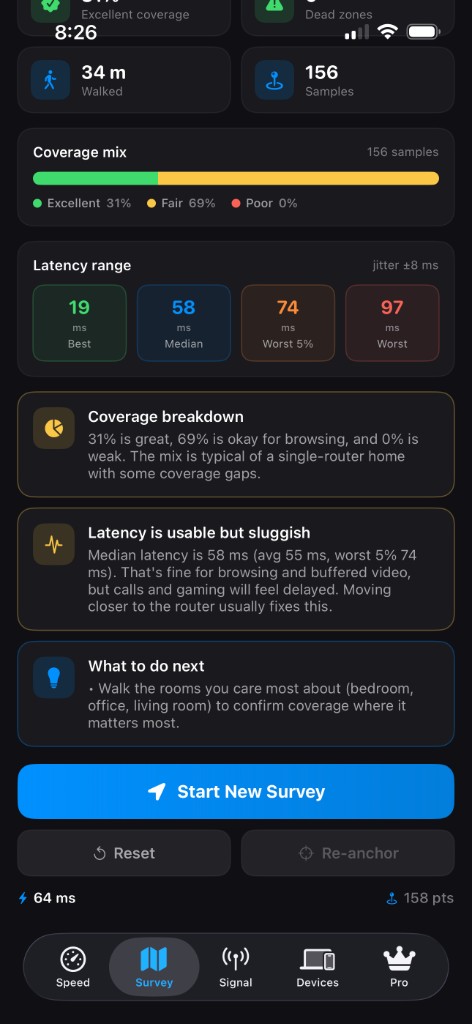
Tap a starting point, walk your home, and watch a live heatmap paint itself onto a floor plan. No extra hardware. No router login. Just your iPhone.
Every survey produces a graded coverage report — where your dead zones are, how bad they are, and a personalized list of what to try first.
See every device on your network, automatically named and labeled. Mark the ones you trust, and get an alert the next time something new shows up.
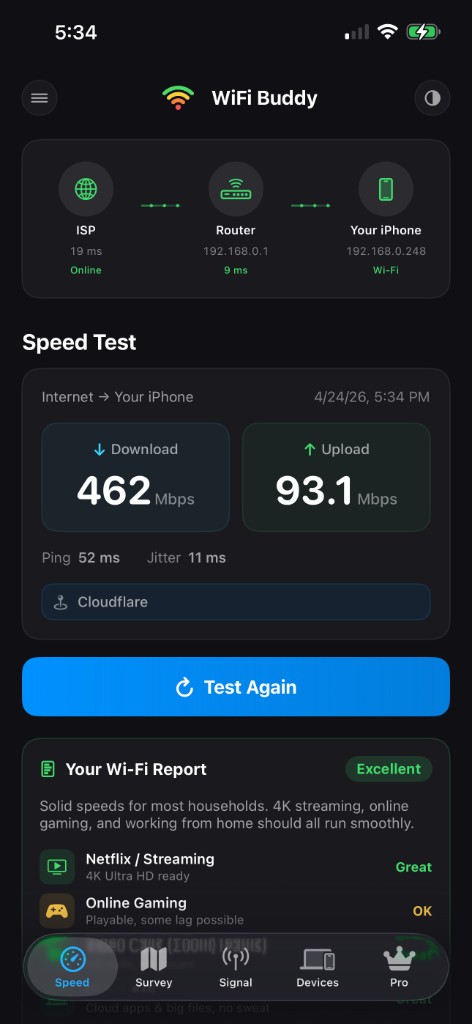
Real download, upload, ping, and jitter — measured the way your apps actually use your connection. No vague bars, no number tricks.
No accounts. No servers. No analytics. Your surveys, device lists, and chat history stay on your iPhone — full stop.
A simple ISP → Router → Device picture, with a live health check on each hop. One glance tells you whether the slowdown is your home or your provider.
Meet Klaus
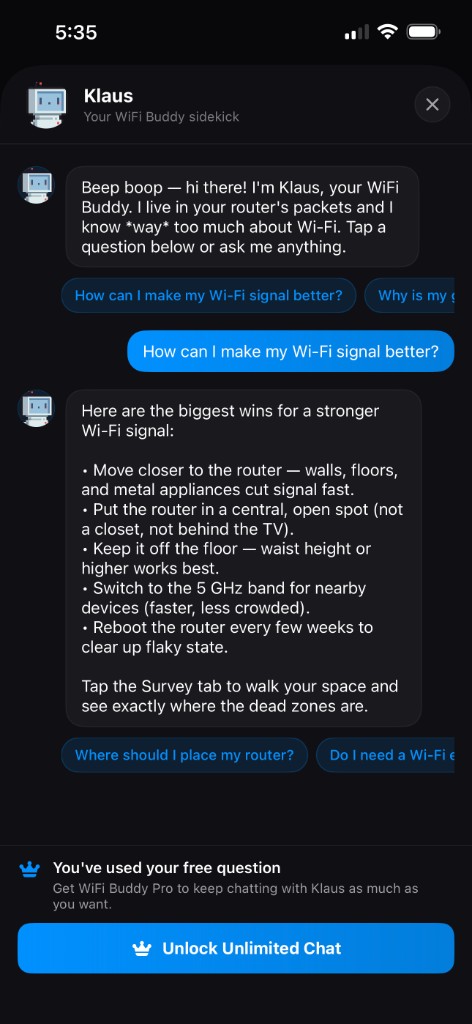
Klaus is a pixel-art Wi-Fi assistant living on the Signal tab. Ask him anything — from “why is my 5 GHz slower than 2.4?” to “should I buy a mesh system?” — and get a plain-English answer you can actually use.
Free accounts get a question to try. WiFi Buddy Pro unlocks unlimited chat with Klaus for $9.99/year.
A quick tour
Speed
Real download, upload, ping, and jitter — with a clear picture of how your network is connected.
Survey (Pro)
Walk your space and watch a Wi-Fi heatmap paint itself onto your floor plan.
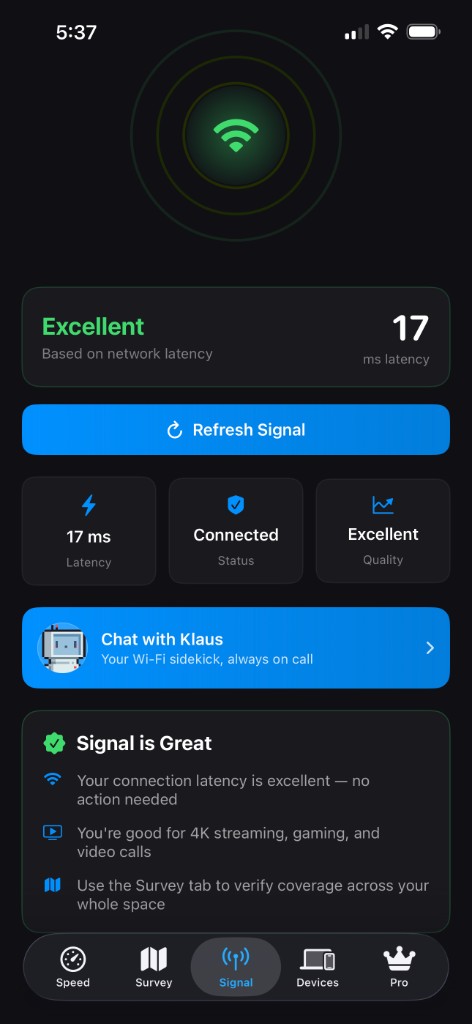
Signal
An at-a-glance check of how good your Wi-Fi feels right now.
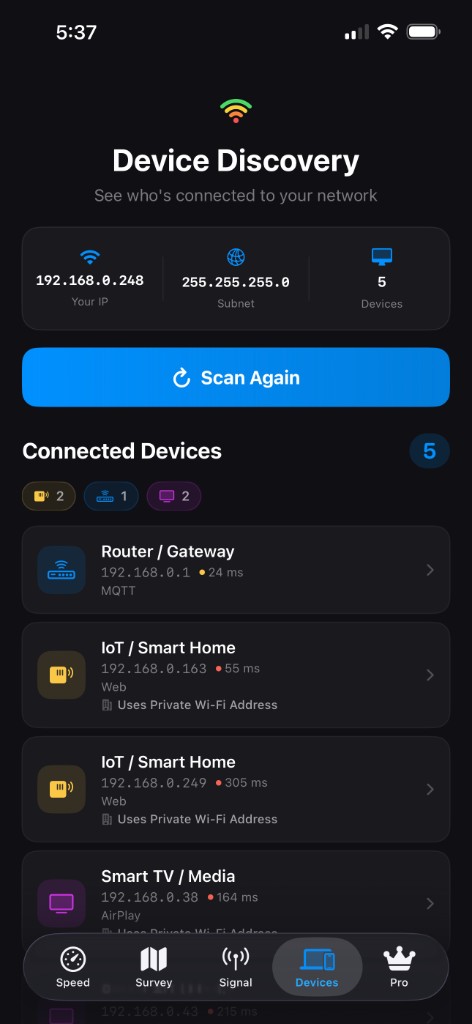
Devices
See every device on your Wi-Fi, named and labeled — no router login required.
Most Wi-Fi apps show one number for the spot you're standing in. WiFi Buddy paints your signal across the whole space, then tells you in plain English where the weak spots are and what to change first. It's the difference between a thermometer and a weather forecast.